Using Mobile Id on Phone Application
Universal Mobile Id
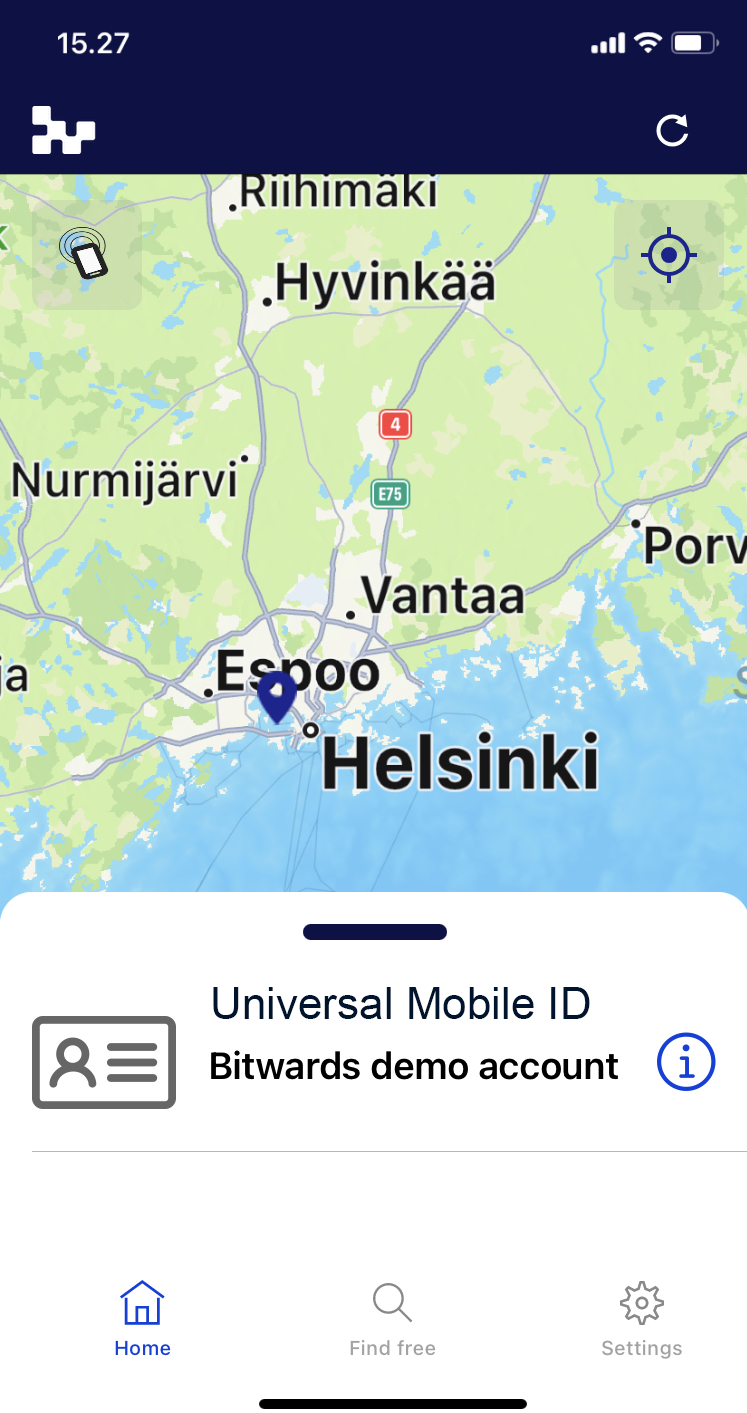
This is application main screen. The screen contains Universal Mobile ID as virtual card.
-
The mobile id screen shows shows the surface id of the mobile id. This id can be used in the self service application to register the mobile id.
-
Under the surface id is shown the name of the orgionanizat who provided the mobile id for you.
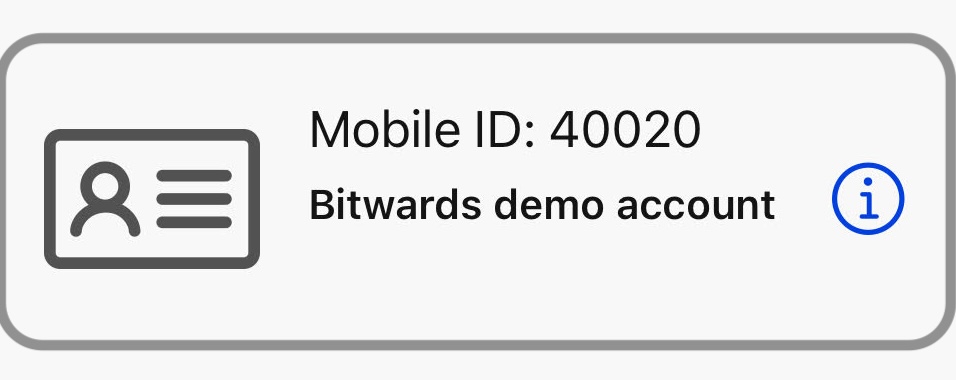
By pressing the ⓘ icon you can see the you can see the details of the mobile ID
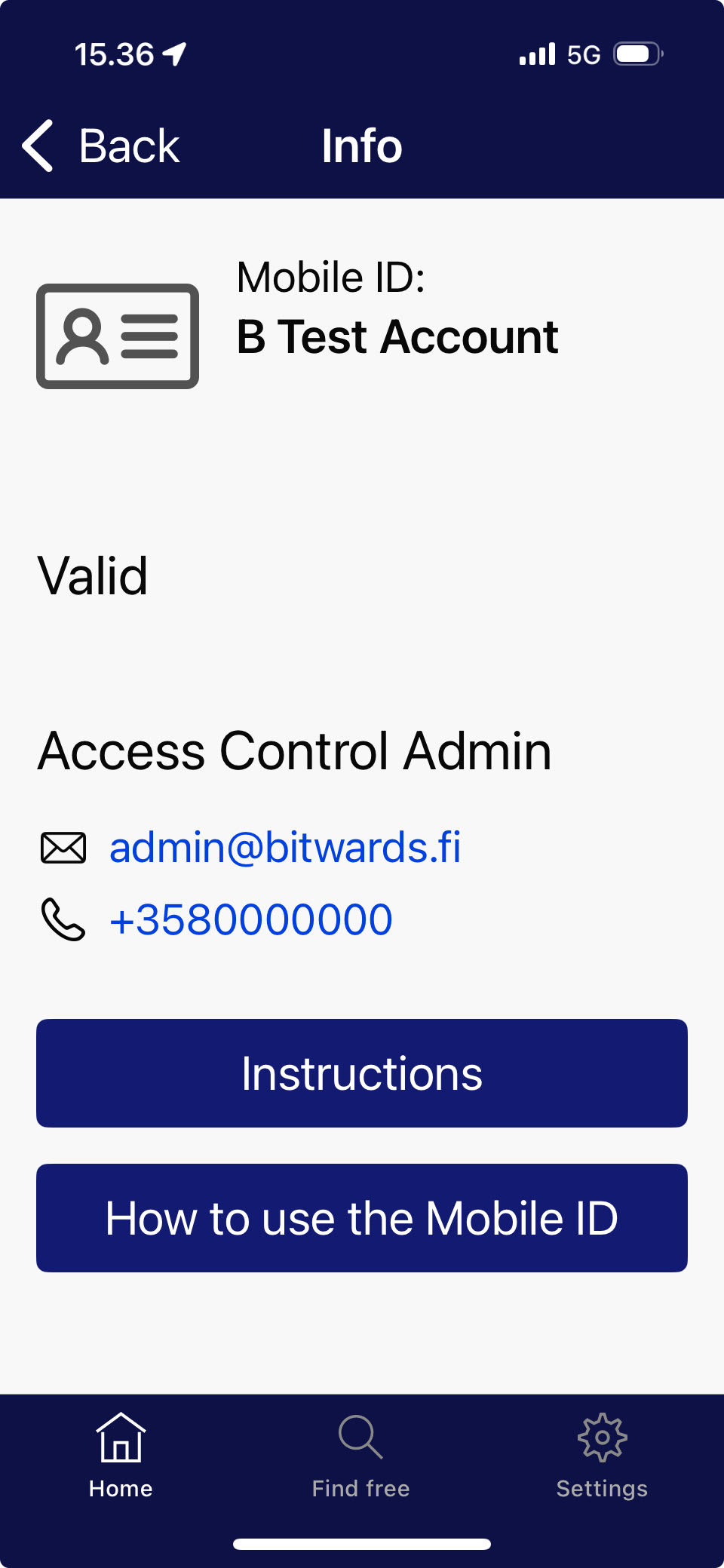
The virtual card contains:
- Information for the validity.
- Local support information
- Local support phone number
- Link to customer Instructions
- Link for the tutorial how to use the Mobile Id
Using Universal Mobile Id
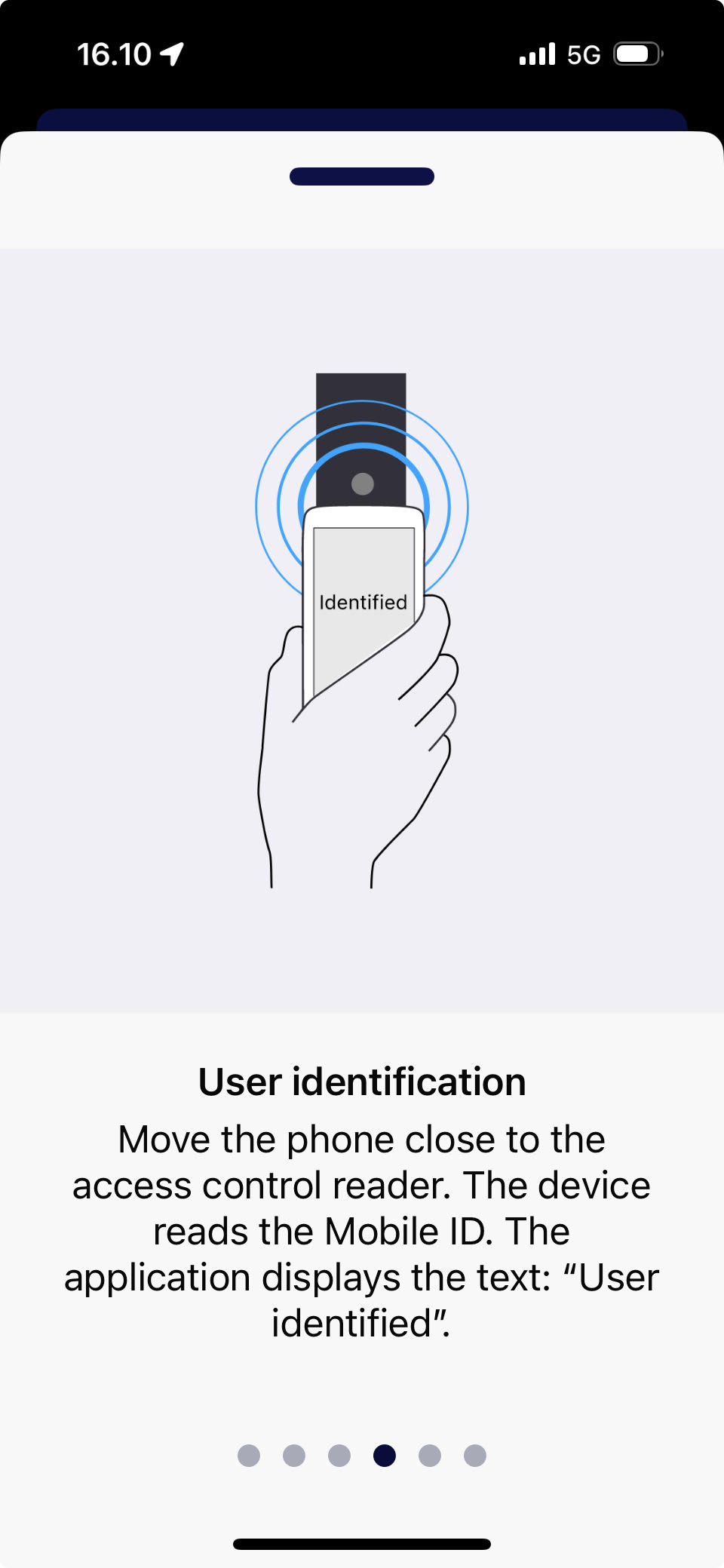
Hold phone near the reader to activate the credential reading.
- On the iPhone the credential reading activates with BLE proximity. When the phone is enough close with the reader the identification with the reader starts automatically.
- On the Android phones the reading is activated with the NFC.