Account Information
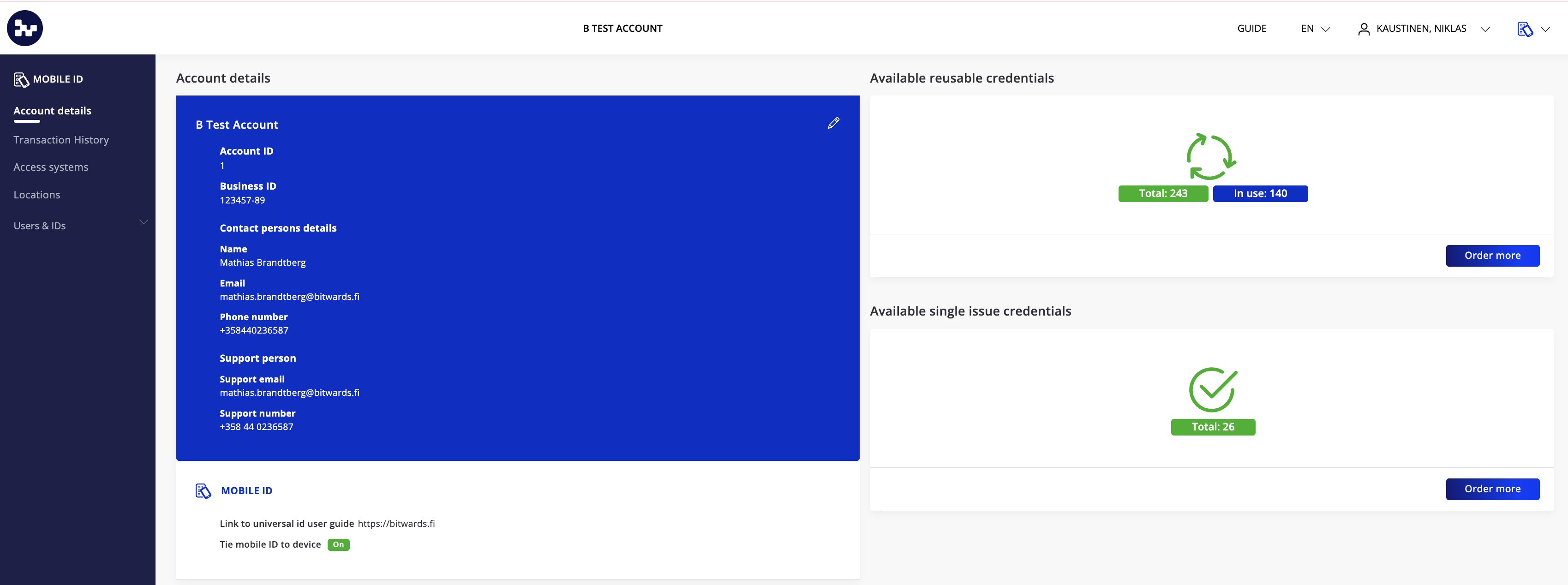
Main view shows the information of the account
- Name of the account and identification
- Contact person
- Support person. The support person information is also visible for the user's in the mobile application
- Tie mobile id to users phone. This means that the user can only use one phone to use the mobile id. If user uses other phone the mobile id credential will not be available.
In order to edit the account information press the pencil icon.
Account Details
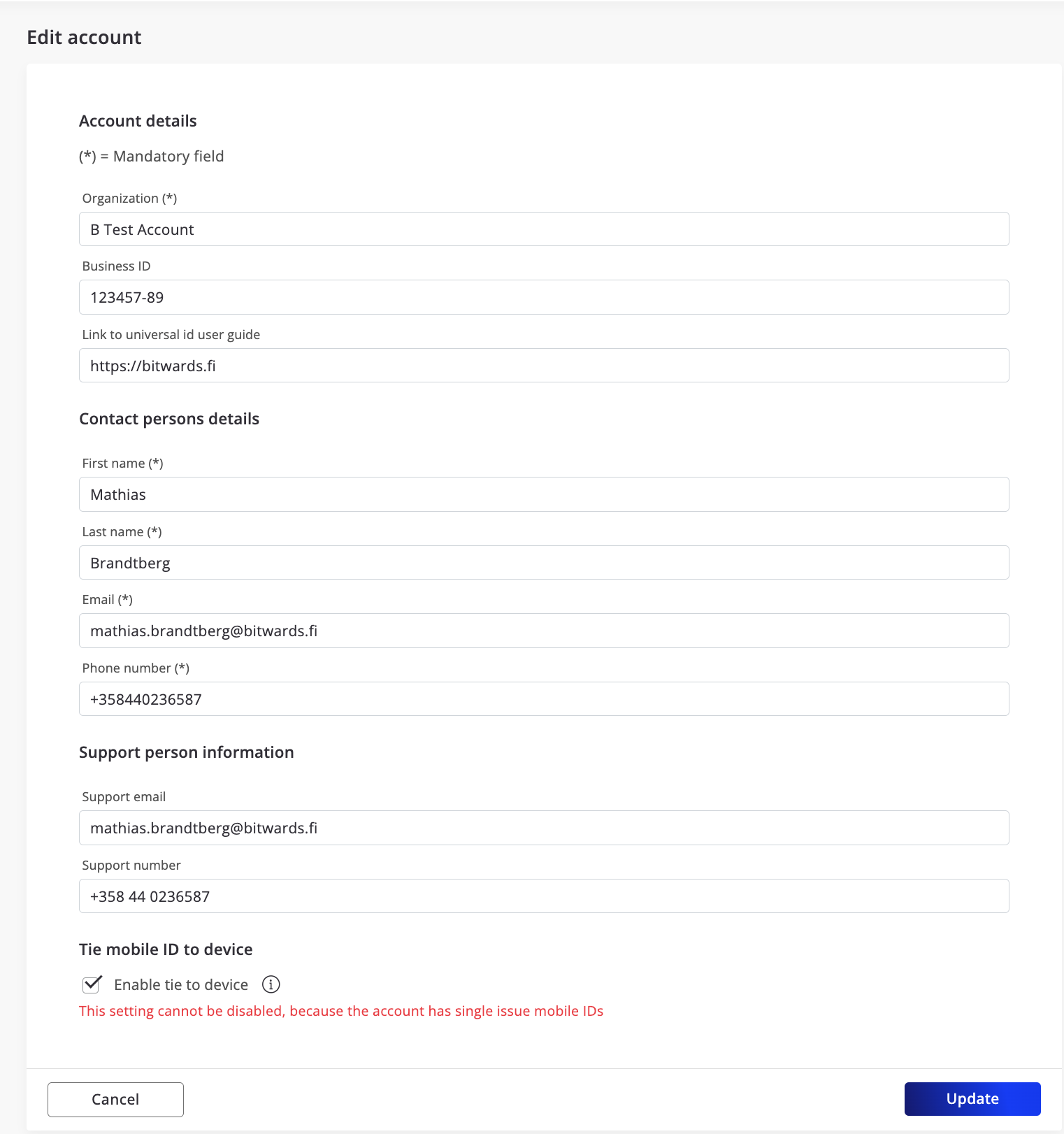
When the editing of the account details have been pressed you are able to edit the information. Finish the editing by pressing the Update button.
You can also enable or disable the tieying of the mobile id to the device here. Notice tha tthe single issue mobile credentails requires that this setting is turned on.
Account Credits
The Bitwards Mobile ID service offers flexible billing models tailored to meet diverse customer requirements.
Reusable Credentials
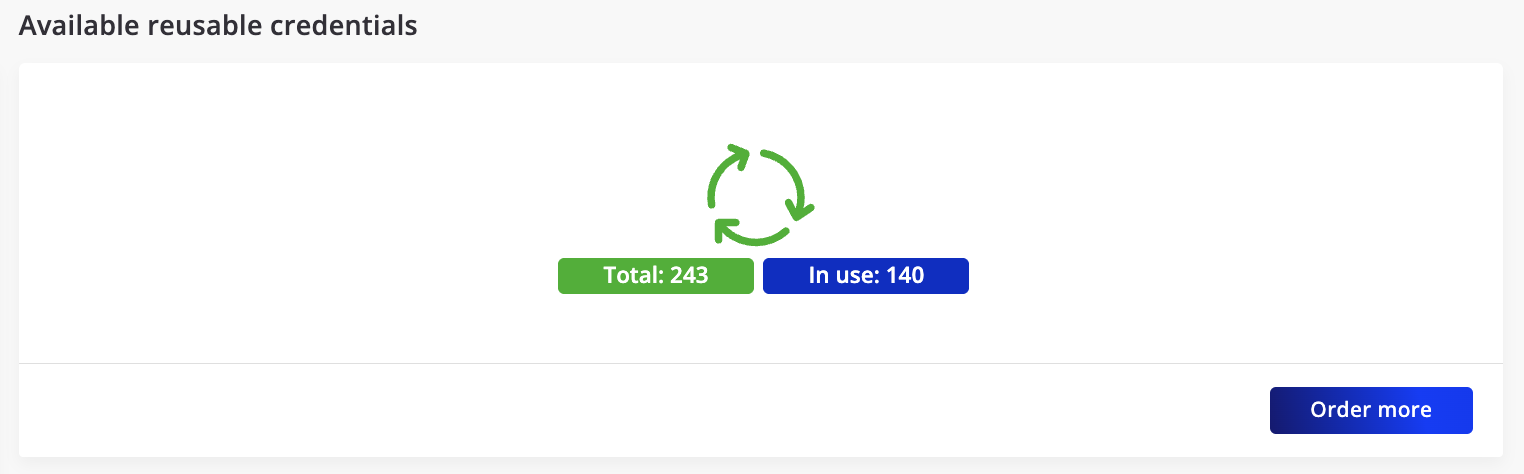
Reusable credentials are designed lasting for one year. These credentials offer the flexibility to be transferred between users as needed. Reusable credentials are billed on an annual basis, providing a predictable and cost-effective solution for long-term use.
Single Issue Credentials
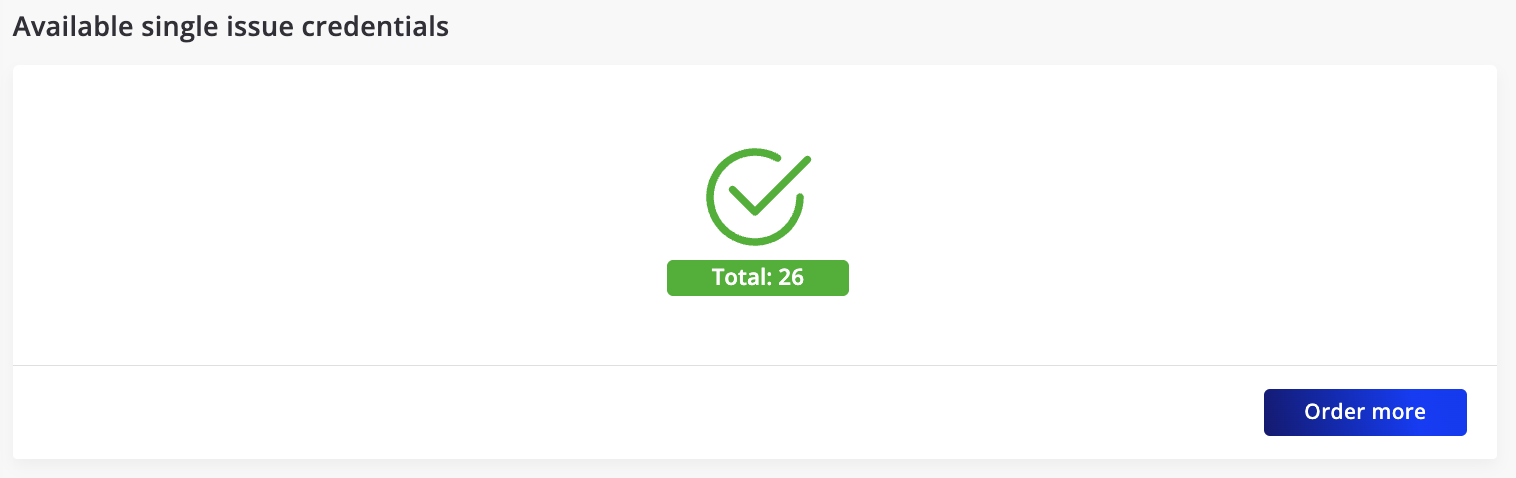
Single issue credentials are designed for temporary or one-time access. These credentials remain valid on a user's phone until the Bitwards application is removed or reinstalled. Single issue credentials are billed only once upon issuance, making them ideal for companies that want to replace the current physical credential with a more flexible option.
Ordering More Credentails
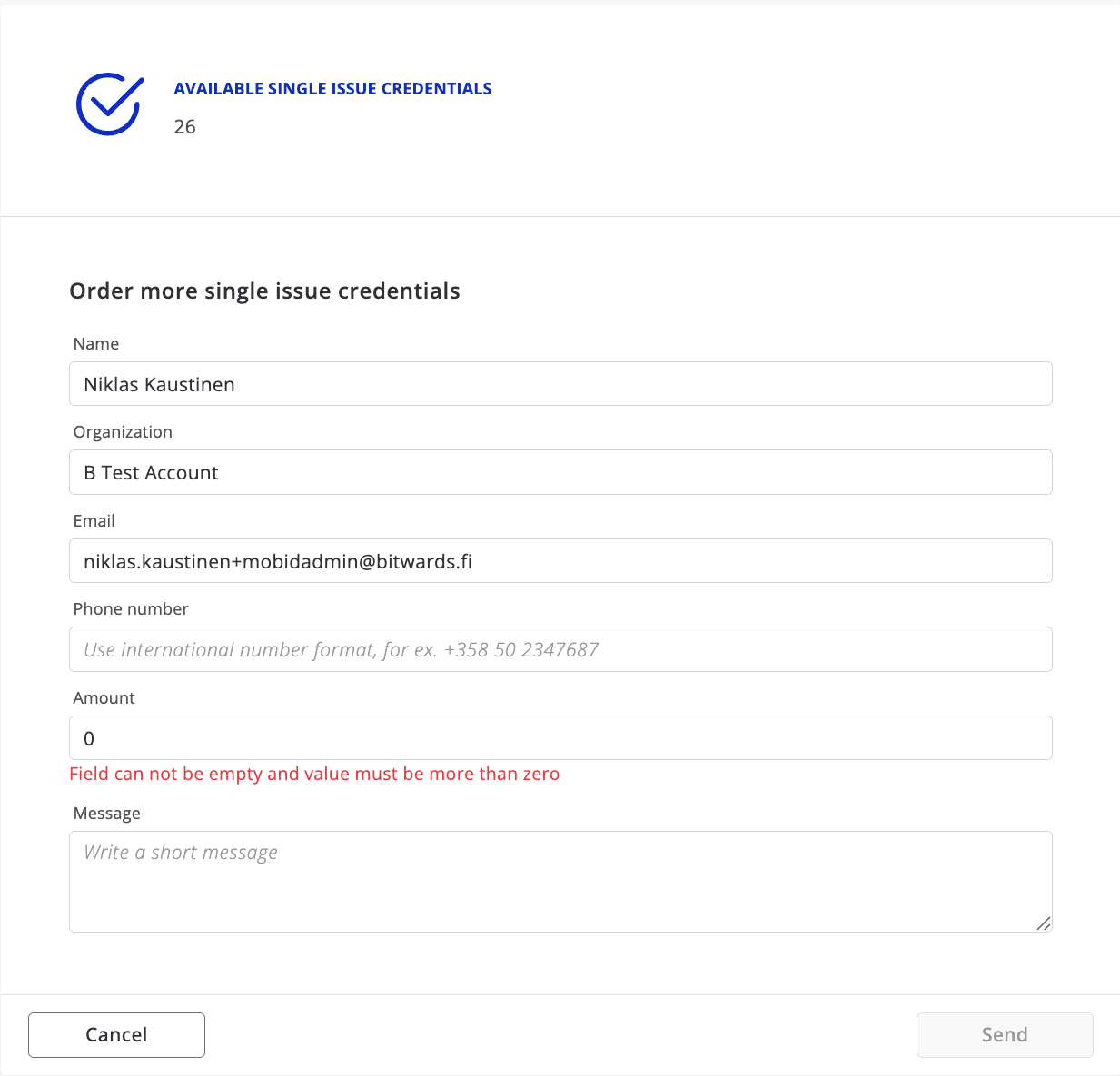
By pressing the Order more button you are able to start the process to send request to the reseller for adding more crentials to teh account.