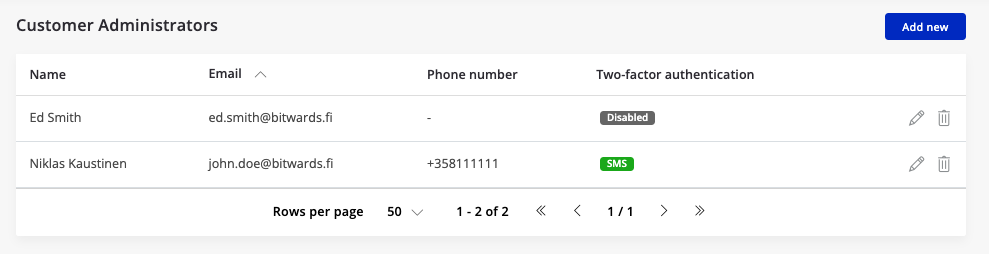
Manage Admins
In this view you are able to add Administrators to the account and Installers.
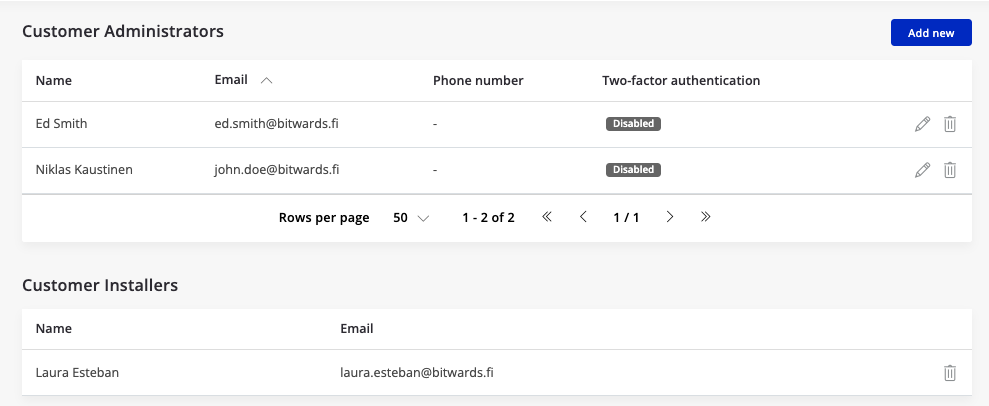
- To add new admin press Add new -button
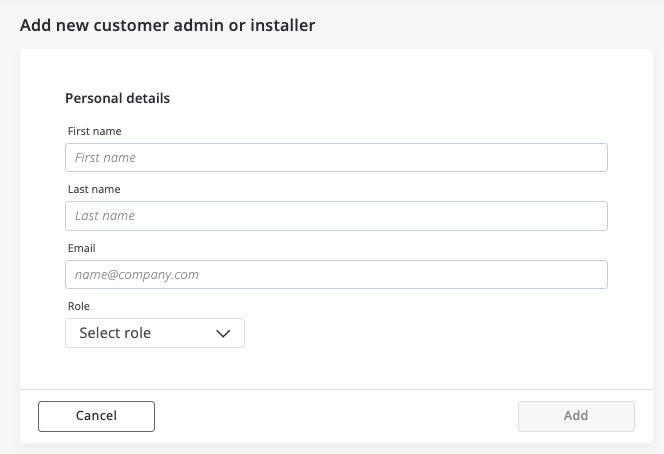
- You can from the same view add Admin or Installer -role user.
- Installer added in the account can immediately see the installation within same account. Installer can be enabled to manage installations in several accounts. This however requires setup from the reseller.
Use 2nd factor for login
- Our recommendation is to enable the second factor authentication for the administrator account login.
- The feature works so that when you login user is required to include another login password that is valid for short moment. There are two options available: email and SMS
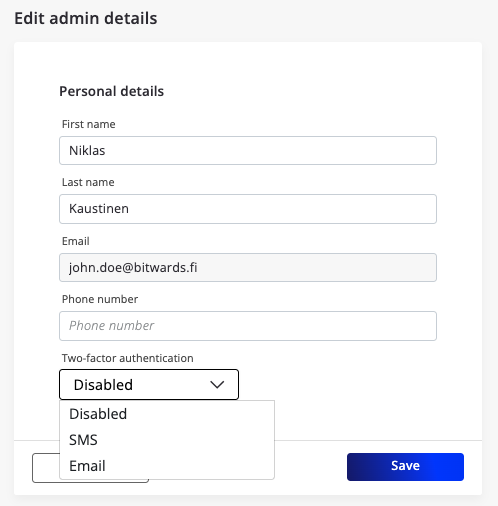
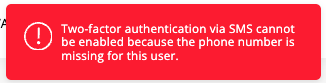
- Choose the option, that is suitable for you. If SMS is selected you have to provide phone number as well.
- When the two factor login is enabled you can see in the Admin view.