Access Control Systems
Service lists access control systems that have been added to the system. You are able to have several systems same time in the service with different credential bitlength defined.

Adding Access Control System
In order to have working system following steps have to be done:
- Add an access control system add Mobile ID bit length
- Use recommended default setting with Universal Mobile ID
- Add locations
- Create installation requests and install readers
- Allocate credentials for the account
- Add users and create mobile id for the user
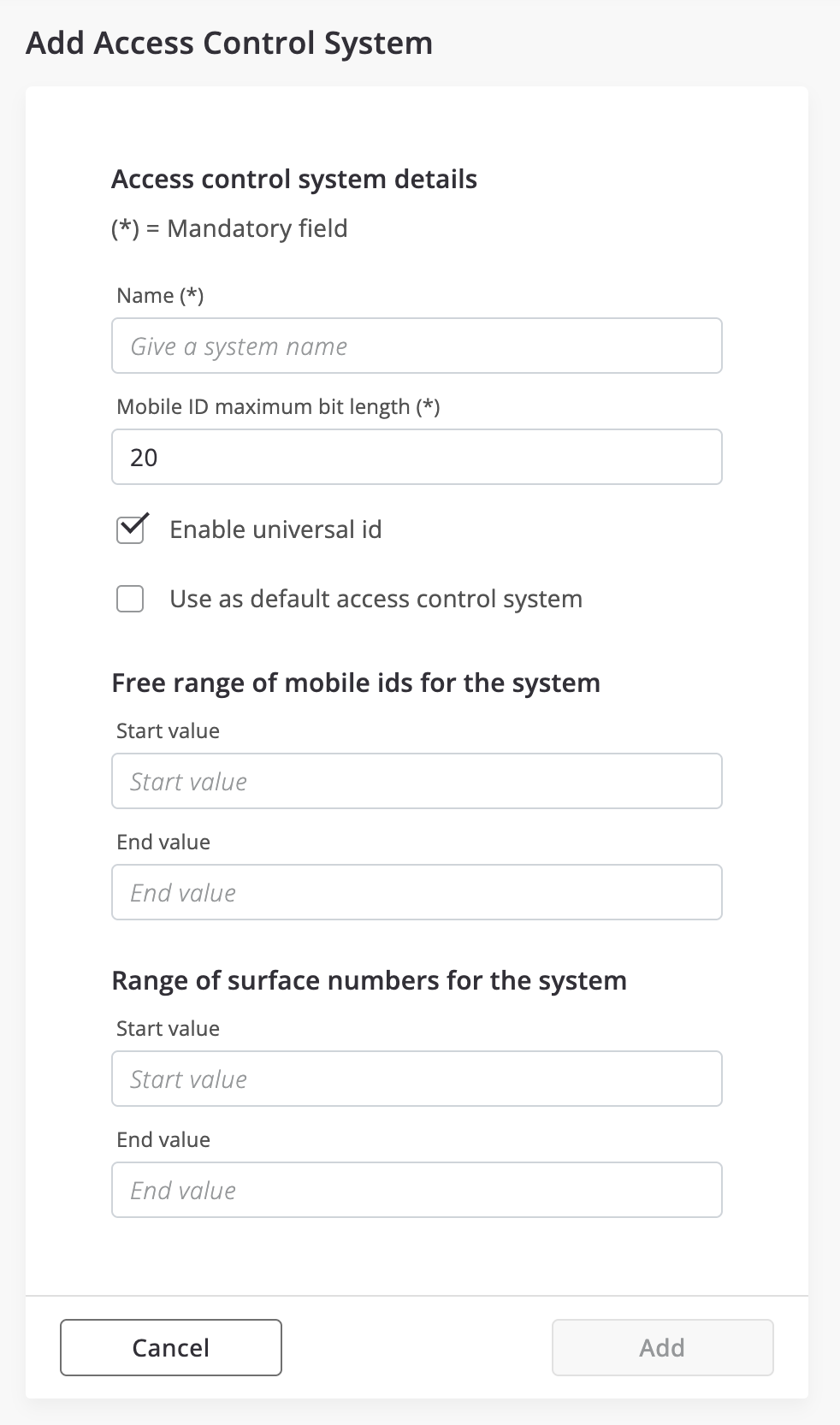
Define Access Control System
Initial step to setup the system is to define the access control systen. The main setting is the card format.
Press the "Add new access control system" button.